Back to integrations
Microsoft Entra ID (Azure Active Directory) and MySQL integration
Save yourself the work of writing custom integrations for Microsoft Entra ID (Azure Active Directory) and MySQL and use n8n instead. Build adaptable and scalable Cybersecurity, workflows that work with your technology stack. All within a building experience you will love.





How to connect Microsoft Entra ID (Azure Active Directory) and MySQL
Create a new workflow and add the first step
In n8n, click the "Add workflow" button in the Workflows tab to create a new workflow. Add the starting point – a trigger on when your workflow should run: an app event, a schedule, a webhook call, another workflow, an AI chat, or a manual trigger. Sometimes, the HTTP Request node might already serve as your starting point.

Build your own Microsoft Entra ID (Azure Active Directory) and MySQL integration
Create custom Microsoft Entra ID (Azure Active Directory) and MySQL workflows by choosing triggers and actions. Nodes come with global operations and settings, as well as app-specific parameters that can be configured. You can also use the HTTP Request node to query data from any app or service with a REST API.
Supported API Endpoints for Microsoft Entra ID (Azure Active Directory)
GET
List Users
Retrieve a list of user objects.
/users
POST
Create User
Create a new user.
/users
GET
Get User
Retrieve the properties and relationships of user object.
/users/{userId}
PATCH
Update User
Update the properties of a user object.
/users/{userId}
DELETE
Delete User
Delete a user.
/users/{userId}
GET
List Groups
Retrieve a list of group objects.
/groups
POST
Create Group
Create a new group.
/groups
GET
Get Group
Retrieve the properties and relationships of a group object.
/groups/{groupId}
PATCH
Update Group
Update the properties of a group object.
/groups/{groupId}
DELETE
Delete Group
Delete a group.
/groups/{groupId}
GET
List Applications
Retrieve a list of application objects.
/applications
POST
Create Application
Create a new application.
/applications
GET
Get Application
Retrieve the properties and relationships of an application object.
/applications/{applicationId}
PATCH
Update Application
Update the properties of an application object.
/applications/{applicationId}
DELETE
Delete Application
Delete an application.
/applications/{applicationId}
GET
List Group Members
Retrieve a list of the members of a group.
/groups/{groupId}/members
POST
Add Group Member
Add a member to a group.
/groups/{groupId}/members/$ref
GET
Get Group Member
Retrieve a member of a group.
/groups/{groupId}/members/{memberId}
DELETE
Remove Group Member
Remove a member from a group.
/groups/{groupId}/members/{memberId}/$ref
PATCH
Update Group Member
Update the properties of a group member.
/groups/{groupId}/members/{memberId}
To set up Microsoft Entra ID (Azure Active Directory) integration, add the HTTP Request node to your workflow canvas and authenticate it using a predefined credential type. This allows you to perform custom operations, without additional authentication setup. The HTTP Request node makes custom API calls to Microsoft Entra ID (Azure Active Directory) to query the data you need using the URLs you provide.
Take a look at the Microsoft Entra ID (Azure Active Directory) official documentation to get a full list of all API endpoints
MySQL supported actions
Delete
Delete an entire table or rows in a table
Execute SQL
Execute an SQL query
Insert
Insert rows in a table
Insert or Update
Insert or update rows in a table
Select
Select rows from a table
Update
Update rows in a table
Microsoft Entra ID (Azure Active Directory) and MySQL integration details
Microsoft Entra ID (Azure Active Directory)
Azure Active Directory (Azure AD) is Microsoft's cloud-based identity and access management service. It provides secure authentication and authorization for users, enabling them to access applications, resources, and services in the Azure cloud and other integrated applications.
Microsoft Entra ID (Azure Active Directory) credentials docs
Using predefined credential types
See Microsoft Entra ID (Azure Active Directory) integrations
Related categories
Other integrations with MySQL




The SOAR platform you want
Mountains of monotonous tasks make building and monitoring your workflows a chore. Not anymore.
Save engineering resources
Reduce time spent on customer integrations, engineer faster POCs, keep your customer-specific functionality separate from product all without having to code.
Microsoft Entra ID (Azure Active Directory) and MySQL integration tutorials

How to work with XML and SQL using n8n
Break the boundaries of your workflow with SQL and XML in n8n. This extensive tutorial details how to export and import data, style XML with XSLT, and efficiently forward XML files for exponential productivity.

How to compare databases via the Compare Datasets node: a step-by-step tutorial
Learn to compare databases automatically, be it SQL tables or data from your favorite CRM. Grab this step-by-step tutorial with a free customizable workflow!
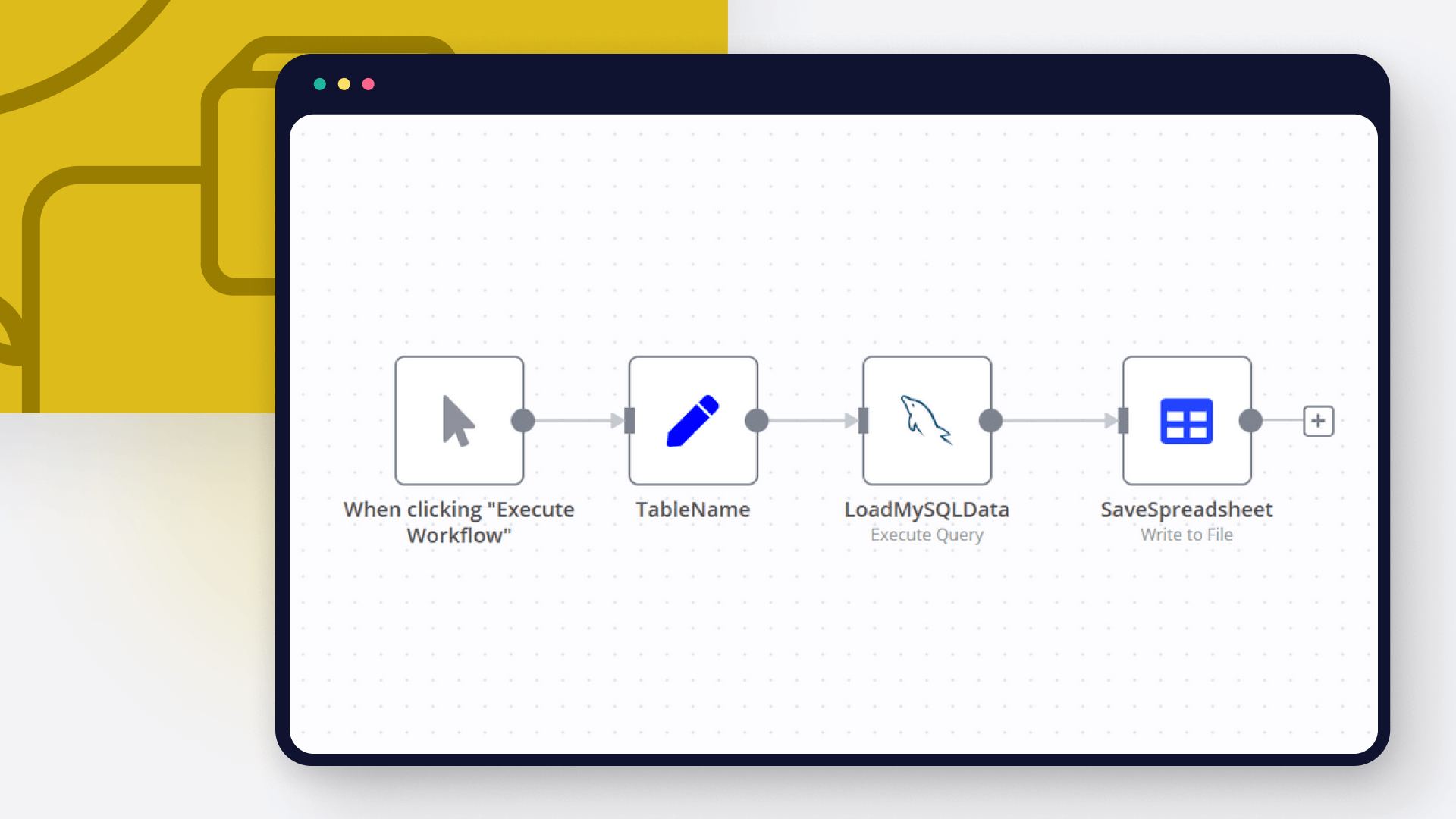
How to export SQL data to Excel in 3 ways
Follow this step-by-step tutorial on how to export SQL tables and queries to Excel using MS Excel itself, SSMS and n8n automation tool.
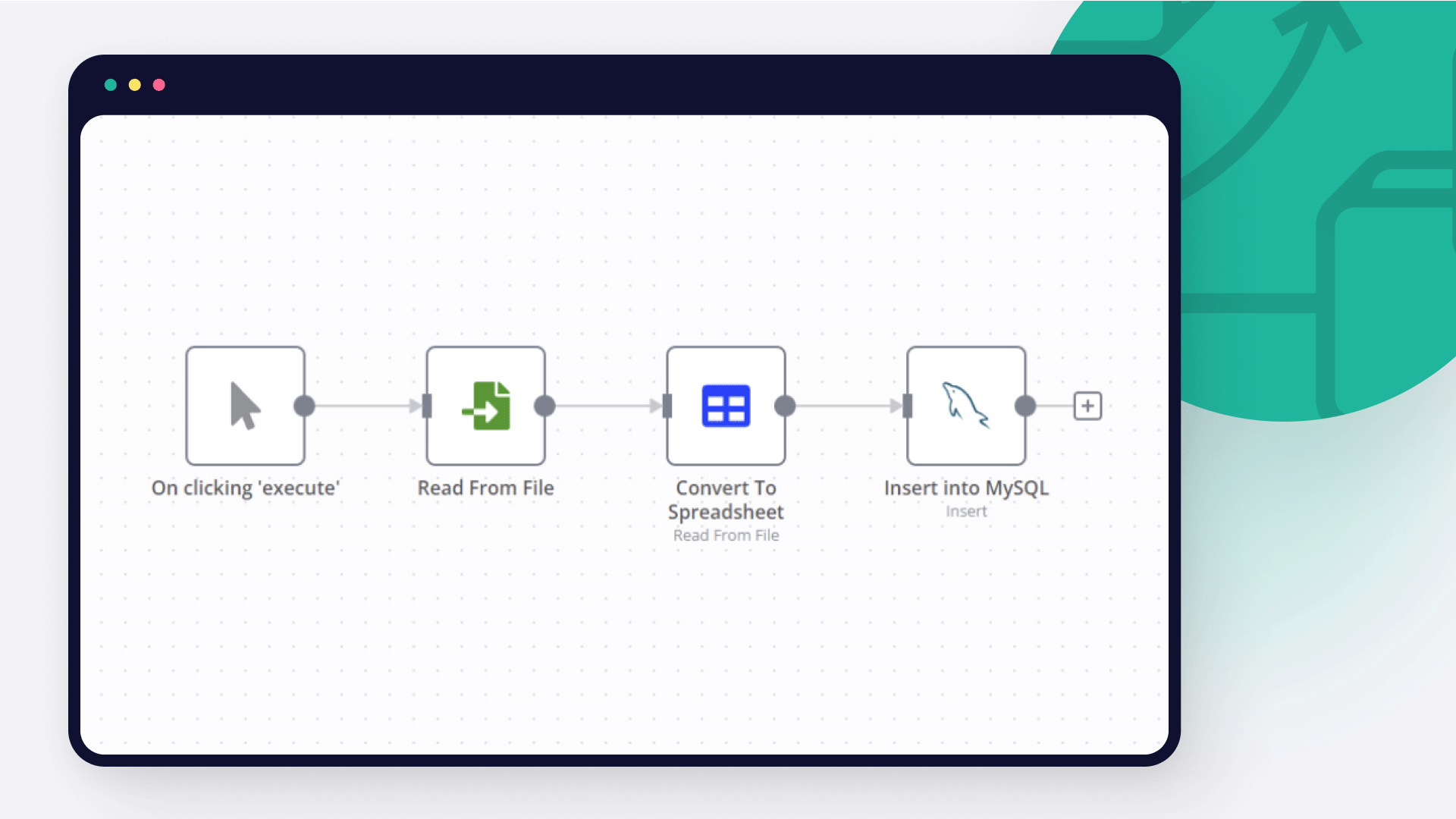
How to import CSV into MySQL: four techniques
Learn how to import CSV into MySQL databases using MySQL Workbench, SQL commands, NocoDB and n8n automation tool.

How to connect Google Sheets to MySQL: Code and no-code methods
Discover two ways to connect MySQL with Google Sheets, and learn to build no-code workflows for automating it.
FAQs
FAQ
Can Microsoft Entra ID (Azure Active Directory) connect with MySQL?
Can I use Microsoft Entra ID (Azure Active Directory)’s API with n8n?
Can I use MySQL’s API with n8n?
Is n8n secure for integrating Microsoft Entra ID (Azure Active Directory) and MySQL?
How to get started with Microsoft Entra ID (Azure Active Directory) and MySQL integration in n8n.io?
Need help setting up your Microsoft Entra ID (Azure Active Directory) and MySQL integration?
Discover our latest community's recommendations and join the discussions about Microsoft Entra ID (Azure Active Directory) and MySQL integration.

Using variables
Mohammadali
Hi guys. I am getting certain data from my SQL database. I want to pass that data to an API. The data I get from the database contains this variable: {{ $input.item }} the problem is that I can not send the value of…

MySQL Select and numbers
Michael Zareno
I have a MySQL table. Test data consists of an "Amount’ field, and three rows with values, 1000, My JSON input is: [ { "row_number": 2, "Amount": -1000 }, { "row_number": 3, "Amount": -52.23 }, …

Migration error on fresh deployment of 1.45.2 in kubernetes
Neal A Richardson Sr
Describe the problem/error/question I’m trying to spin up an n8n instance in kubernetes as a fresh install. I have a database created and the connection works (it created 22 tables) but then the docker container bombs o…

MySql node - Inserting NULL in MariaDB
GabrielBackend
Greetings, I’m trying to insert null values into my MariaDB using MySQL node. I need to use Execute SQL mode so I can call functions inside my db and do verifications in case of a update, for example IFNULL. There is n…

Mysql node excutes for too long than we have the following error Connection lost: The server closed the connection. sql: undefined, code: PROTOCOL_CONNECTION_LOST
Chaima Belkacem
here is the error details { "errorMessage": "Connection lost: The server closed the connection.", "errorDescription": "sql: undefined, code: PROTOCOL_CONNECTION_LOST", "errorDetails": {}, "n8nDetails": { "no…
The world's most popular workflow automation platform for technical teams including







Why use n8n to integrate Microsoft Entra ID (Azure Active Directory) with MySQL
Build complex workflows, really fast
