Back to integrations
Airtable and Prodia integration
Save yourself the work of writing custom integrations for Airtable and Prodia and use n8n instead. Build adaptable and scalable Data & Storage, workflows that work with your technology stack. All within a building experience you will love.





How to connect Airtable and Prodia
Create a new workflow and add the first step
In n8n, click the "Add workflow" button in the Workflows tab to create a new workflow. Add the starting point – a trigger on when your workflow should run: an app event, a schedule, a webhook call, another workflow, an AI chat, or a manual trigger. Sometimes, the HTTP Request node might already serve as your starting point.

Build your own Airtable and Prodia integration
Create custom Airtable and Prodia workflows by choosing triggers and actions. Nodes come with global operations and settings, as well as app-specific parameters that can be configured. You can also use the HTTP Request node to query data from any app or service with a REST API.
Airtable supported actions
Get Many
List all the bases
Get Schema
Get the schema of the tables in a base
Create
Create a new record in a table
Create or Update
Create a new record, or update the current one if it already exists (upsert)
Delete
Delete a record from a table
Get
Retrieve a record from a table
Search
Search for specific records or list all
Update
Update a record in a table
Supported API Endpoints for Prodia
POST
Create generation
Create a generation for SD 1.
/reference/generate
POST
Transform existing image
Transform an existing image in SD 1.
/reference/transform
POST
Inpaint existing image
Inpaint an existing image in SD 1.
/reference/inpainting
POST
Create Controlnet generation
Create a Controlnet generation in SD 1.
/reference/controlnet
POST
Create SDXL generation
Create a generation for SDXL image generation.
/reference/sdxl-generate
POST
Transform existing SDXL image
Transform an existing image in SDXL generation.
/reference/sdxl-transform
POST
Inpaint existing SDXL image
Inpaint an existing image in SDXL generation.
/reference/sdxl-inpainting
POST
Upscale an image
Upscale an image using the Image Upscaling endpoint.
/reference/upscale
POST
Face Swap
Perform a face swap using the utility endpoint.
/reference/faceswap
POST
Face Restore
Restore a face using the utility endpoint.
/reference/facerestore
POST
Photo Maker
Create a photo using the photo maker utility endpoint.
/reference/photomaker
GET
Retrieve SD 1.X models
Retrieve a list of available SD 1.
/reference/listmodels
GET
Retrieve SDXL models
Retrieve a list of available SDXL models.
/reference/listsdxlmodels
GET
Retrieve SD 1.X loras
Retrieve a list of available SD 1.
/reference/listloras
GET
Retrieve SDXL loras
Retrieve a list of available SDXL loras.
/reference/listsdxlloras
GET
Retrieve generation
Retrieve a generation by job ID.
/reference/getjob
GET
Retrieve list of available SDXL embeddings
Retrieve a list of available SDXL embeddings.
/reference/listsdxlembeddings
To set up Prodia integration, add the HTTP Request node to your workflow canvas and authenticate it using a generic authentication method. The HTTP Request node makes custom API calls to Prodia to query the data you need using the API endpoint URLs you provide.
See the example hereThese API endpoints were generated using n8n
n8n AI workflow transforms web scraping into an intelligent, AI-powered knowledge extraction system that uses vector embeddings to semantically analyze, chunk, store, and retrieve the most relevant API documentation from web pages. Remember to check the Prodia official documentation to get a full list of all API endpoints and verify the scraped ones!
Airtable and Prodia integration details
Other integrations with Airtable




Airtable and Prodia integration tutorials

How to create an AI-driven tweet generator bot in 10 minutes
Lacking time or inspiration for your tweets? Then leverage OpenAI and n8n to generate tweets for you and store them in Airtable for further review.
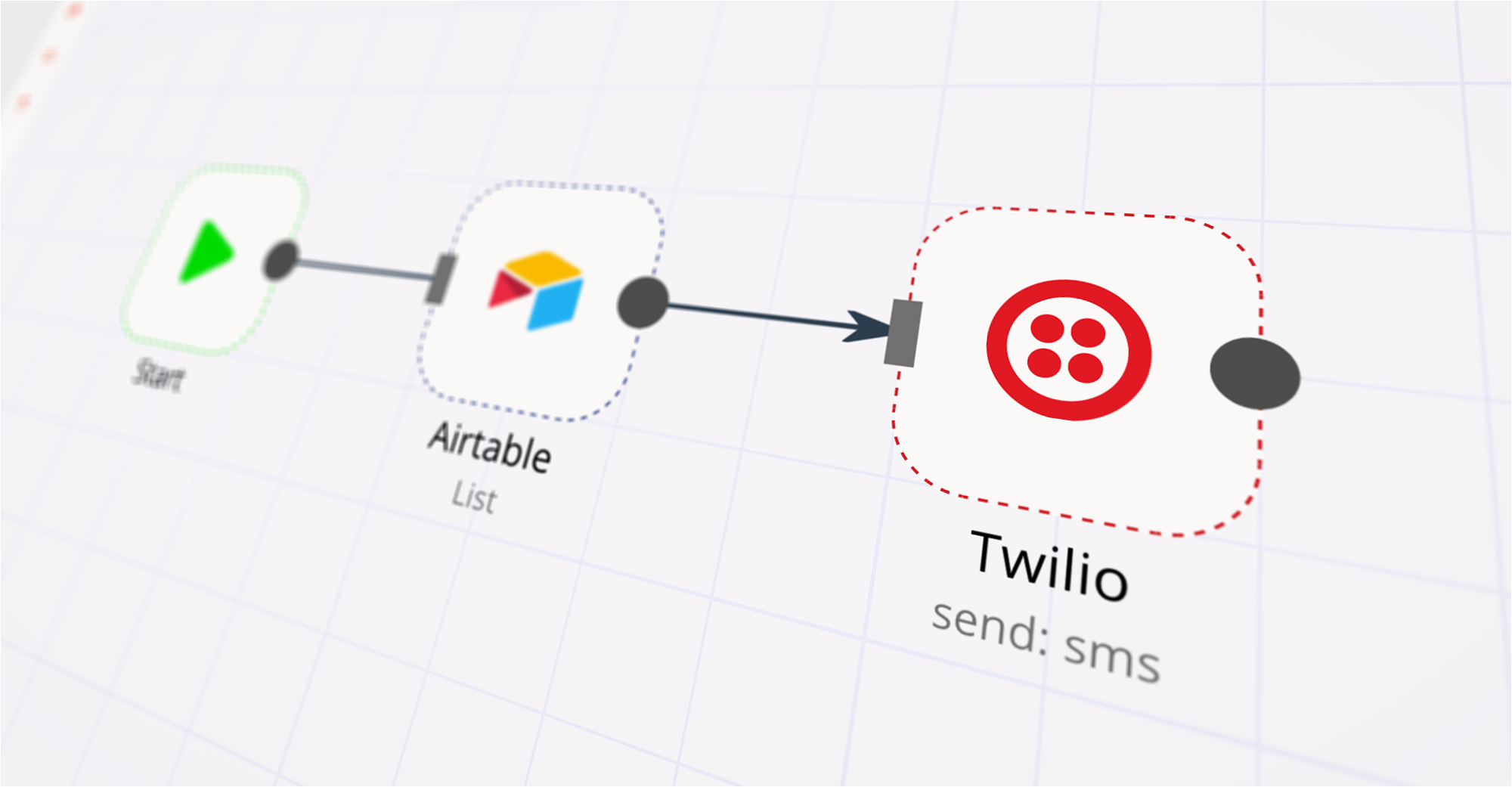
Sending SMS the low-code way with Airtable, Twilio programmable SMS, and n8n
Learn to build a workflow to get customer information from Airtable and send SMS messages to them without writing a single line of code.
FAQs
FAQ
Can Airtable connect with Prodia?
Can I use Airtable’s API with n8n?
Can I use Prodia’s API with n8n?
Is n8n secure for integrating Airtable and Prodia?
How to get started with Airtable and Prodia integration in n8n.io?
Need help setting up your Airtable and Prodia integration?
Discover our latest community's recommendations and join the discussions about Airtable and Prodia integration.

Help Airtable Update Record Error with n8n
Erick Rdz
g the :magnifying_glass_tilted_right: search function at the upper right. If your question hasn’t been asked before, please follow the template below. Skip the questions that are not relevant to you. → Des…

Getting Null response with my "When executed by another workflow", any help?
Ilian
Describe the problem/error/question I’ve been struggling with my workflow lately. I have 2 workflow indeed (I used this template) and it appears that my 2nd workflow, which have a “When executed by another workflow” trig…

Store chat messages to specific columns of Airtable Table
Feramuz
I want to build a conversational data collection system that automatically extracts and classifies information from chat messages into structured JSON format. When a customer provides information in natural language - fo…

Erroneous Authorization data is wrong!
Spencer Fonbuena
Describe the problem/error/question I’ve been using airtable to trigger some automations with the n8n webhook node. I usually send the airtable info I need from airtable automations, and attach a secret, as a small bit …

Date formatting and Airtable
Michael Wells
Describe the problem/error/question Hi all, I’m having a weird new issue with my Airtable step, regarding the date. As you can see [1] it’s arriving from the webhook as an ISO8601 date, but is resulting in an Airtable e…
The world's most popular workflow automation platform for technical teams including





Why use n8n to integrate Airtable with Prodia
Build complex workflows, really fast
